
Document ID F016
- Login to StudentAid.gov
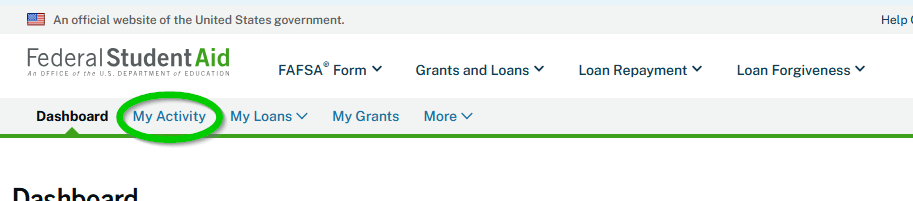
- Click “My Activity”
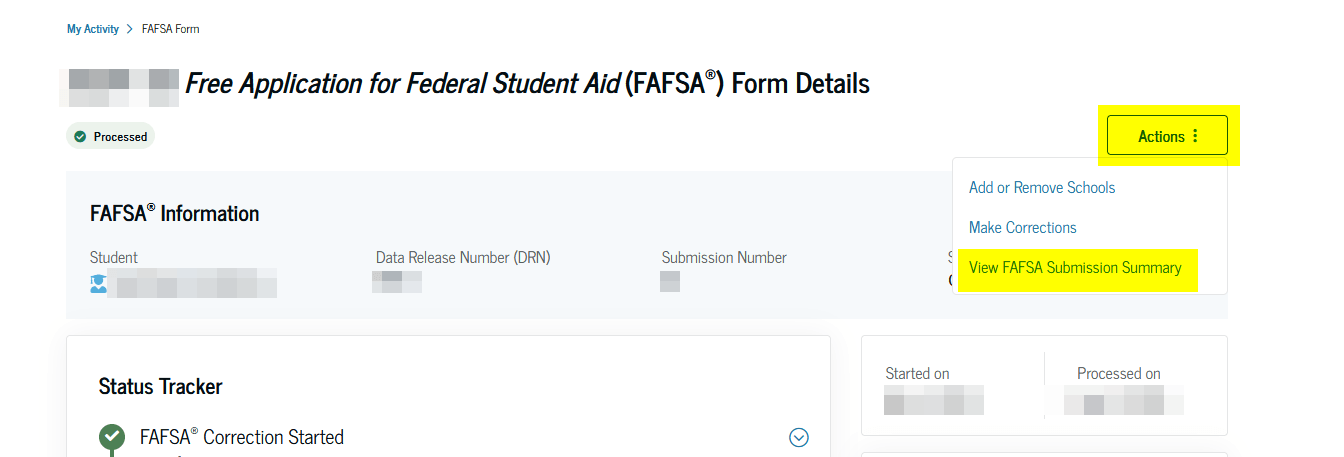
- Click the aid year you want the summary for
- Click Actions > View FAFSA Submission Summary
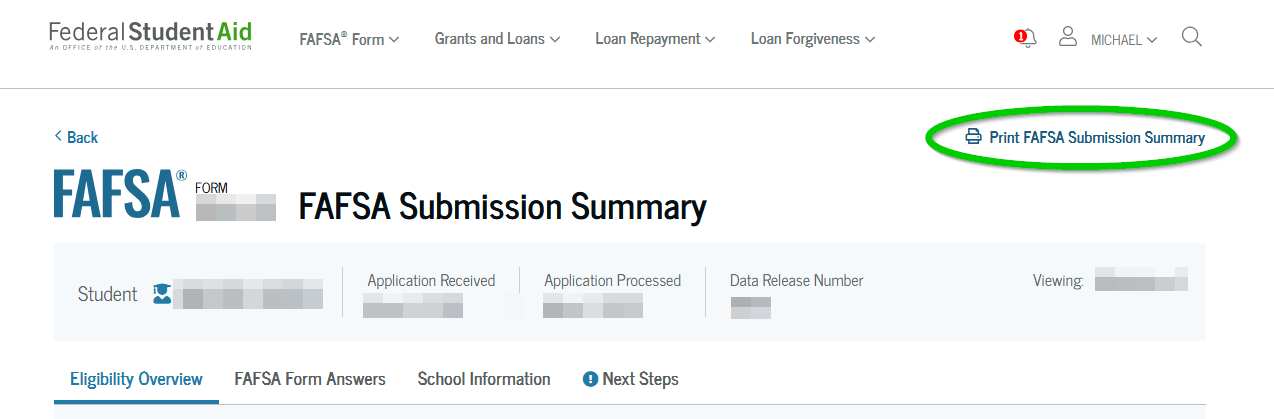
- Click “Print FAFSA Submission Summary” and save it as a PDF
- Send that PDF to [email protected]
Source: https://studentaid.gov/help/fafsa-submission-summary